c1179f41e3
|
||
|---|---|---|
| .. | ||
| challenge/CarGame | ||
| final | ||
| projects | ||
| starter | ||
| README.md | ||
| references.markdown | ||
| step-function.png | ||

README.md
Chapter 22: Integrating SpriteKit & SceneKit
As I read this book, I summarize what I think is wrong. If you think my comments are wrong then please let me know. We can dicuss more and update your opinion.
The fwidth function
fwidth() is equivalent to:
abs(dfdx(p)) + abs(dfdy(p))
The camera position is defined by the constant value in the fragment shader. It's not good because the camera position can be changed.
In Shaders.metal, in shipFragment(), replace:
float3 v = normalize(float3(0, 0, 10)); // camera position
With:
float3 v = normalize(cameraPosition);
Add the float3 as a parameter to the fragment function:
constant float3 &cameraPosition
In GameViewController.swift, in the conditional block where you set up the material, add this:
let cameraPosition = cameraNode.position
material.setValue(cameraPosition, forKey: "cameraPosition")
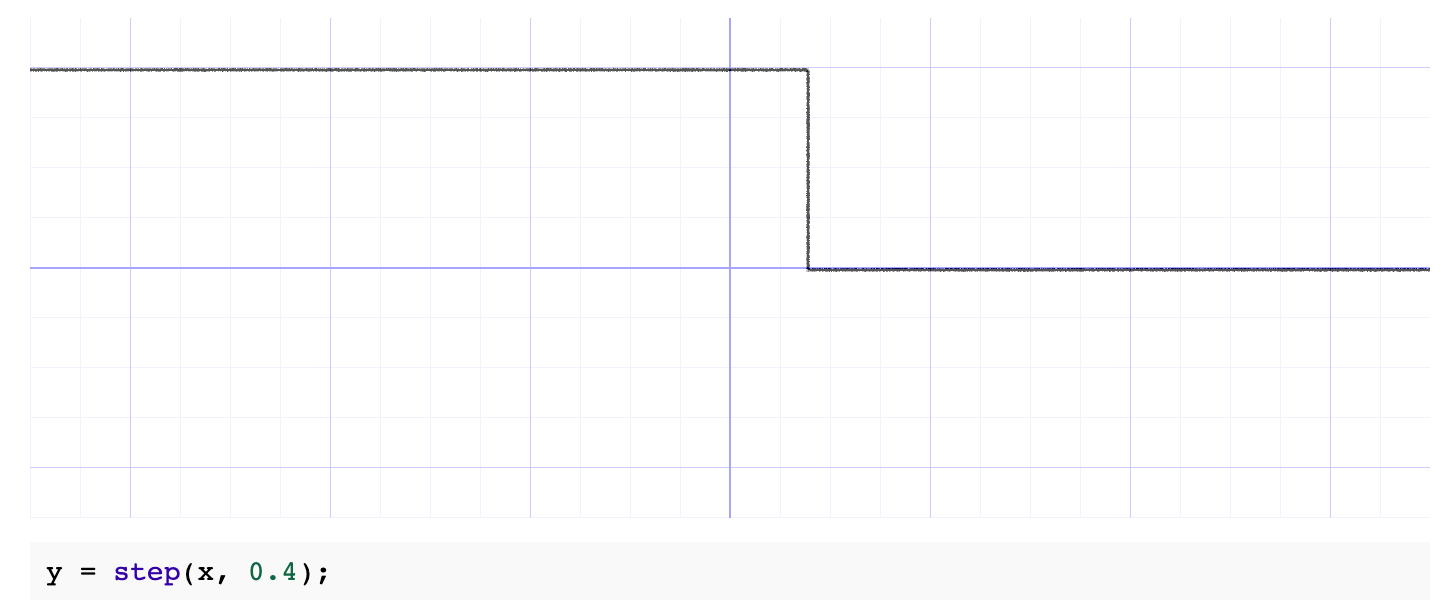
step() generates a step function by comparing x to edge: